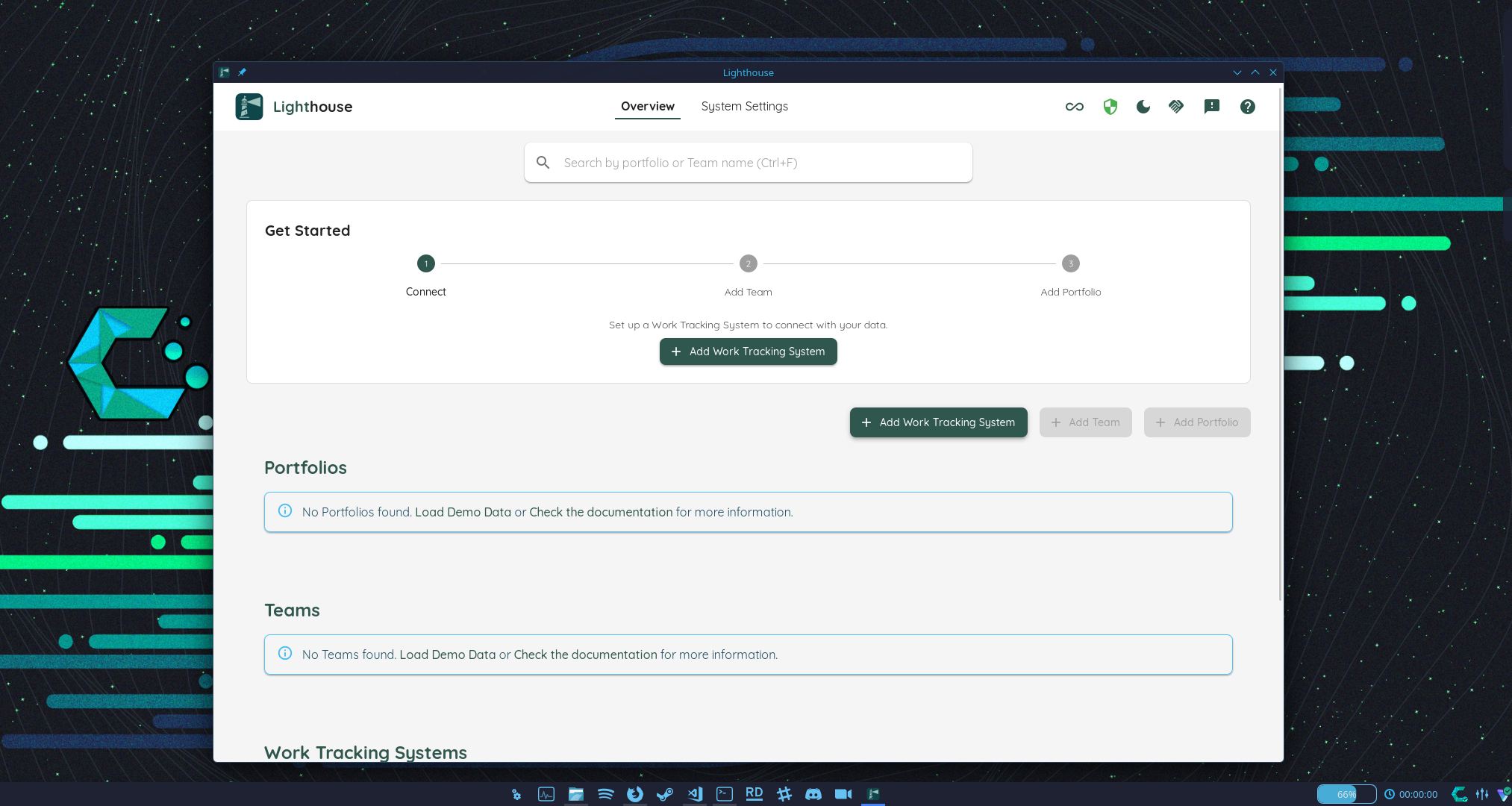
The Standalone edition is a native desktop application. Download and install it like any other app on your system — no server setup or terminal required.
Supported Platforms
| Platform | Package | Notes |
|---|---|---|
| Windows | NSIS Installer (.exe) | Recommended. Installs to Program Files with Start Menu shortcut, uninstaller, and automatic updates. Code signed. |
| Windows | MSI Installer (.msi) | Alternative installer format, suitable for deployment via Group Policy or software management tools. Code signed. |
| macOS | App Bundle (.dmg) | Install by dragging to your Applications folder. Signed and notarized. |
| macOS | App Bundle (.zip) | Unzip and move the app as desired. Signed and notarized. |
| Linux | AppImage (.AppImage) | Single-file, runs on most distributions without installation. Supports automatic updates. |
Download the latest version from the Releases page.
macOS only: Lighthouse for macOS is exclusively available as the Standalone edition. A Server edition for macOS is not provided.
Apple Silicon only: The macOS build is native Apple Silicon (arm64) and requires macOS 11 (Big Sur) or later. Intel Macs are no longer supported — existing Intel installs remain on their last installed version and do not receive further updates.
Windows
- Download either the NSIS Installer (
.exe) or MSI Installer (.msi) from the Releases. - Both packages are code signed. Run the installer and follow the on-screen steps.
- Lighthouse will be installed to Program Files and added to your Start Menu.
- Launch Lighthouse from the Start Menu. It will open a window and start the backend automatically.
Updating
The app checks for updates on startup and prompts you to install them automatically.
macOS
- Download either the
.dmgor.zipfrom the Releases. - The app is signed and notarized — no Gatekeeper warnings will appear.
- Open the
.dmgand drag Lighthouse to your Applications folder, or unzip and move the app as desired.
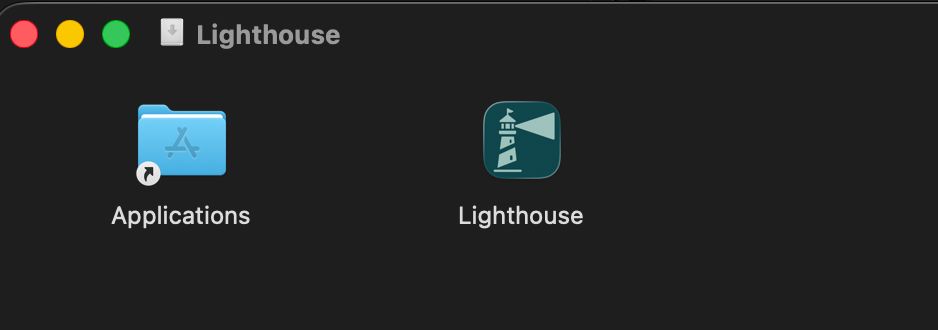
- Double-click the Lighthouse app to launch it. You will be asked whether you are ok to launch an application downloaded from the internet: confirm to proceed.
Updating
The app checks for updates on startup and prompts you to install them automatically.
Linux
- Download the
.AppImagefrom the Releases. - Make it executable:
chmod +x Lighthouse*.AppImage - Run it:
./Lighthouse*.AppImage
Updating
The app checks for updates on startup and prompts you to install them automatically.
Where your data lives
Everything the Standalone edition keeps sits in one folder:
| Platform | Folder |
|---|---|
| Windows | %APPDATA%\Lighthouse |
| macOS | ~/Library/Application Support/Lighthouse |
| Linux | ~/.config/Lighthouse (or $XDG_CONFIG_HOME/Lighthouse) |
It holds LighthouseAppContext.db, your logs, and data-protection-keys — the folder with the key that encrypts the credentials you enter for your work tracking systems. The startup line names the same path, and Settings → Encryption shows which key is in force.
A backup of the database without that key folder cannot be restored. The credentials in it stay encrypted under a key that is no longer anywhere, and Lighthouse refuses to start rather than run with credentials it cannot read. Back the whole folder up, not just the .db file.
Constraints
Single database per system: The Standalone edition stores data in a local SQLite database on your machine. Only one Lighthouse database can exist per system — running multiple instances concurrently is not supported.
Single-user only: The Standalone edition is designed for individual use on one machine. It is not accessible from other machines or by other users on your network.