Portfolios are an essential building block for using Lighthouse. You can use Portfolios to keep track of when a set of Features that one or more teams are working on will be done. You can do the following things from this page:
- Gain an Overview
- Create a new Portfolio
- Navigate to the Portfolio Details
- Modify an existing Portfolio
- Delete a Portfolio
- Constraints in the Free Version
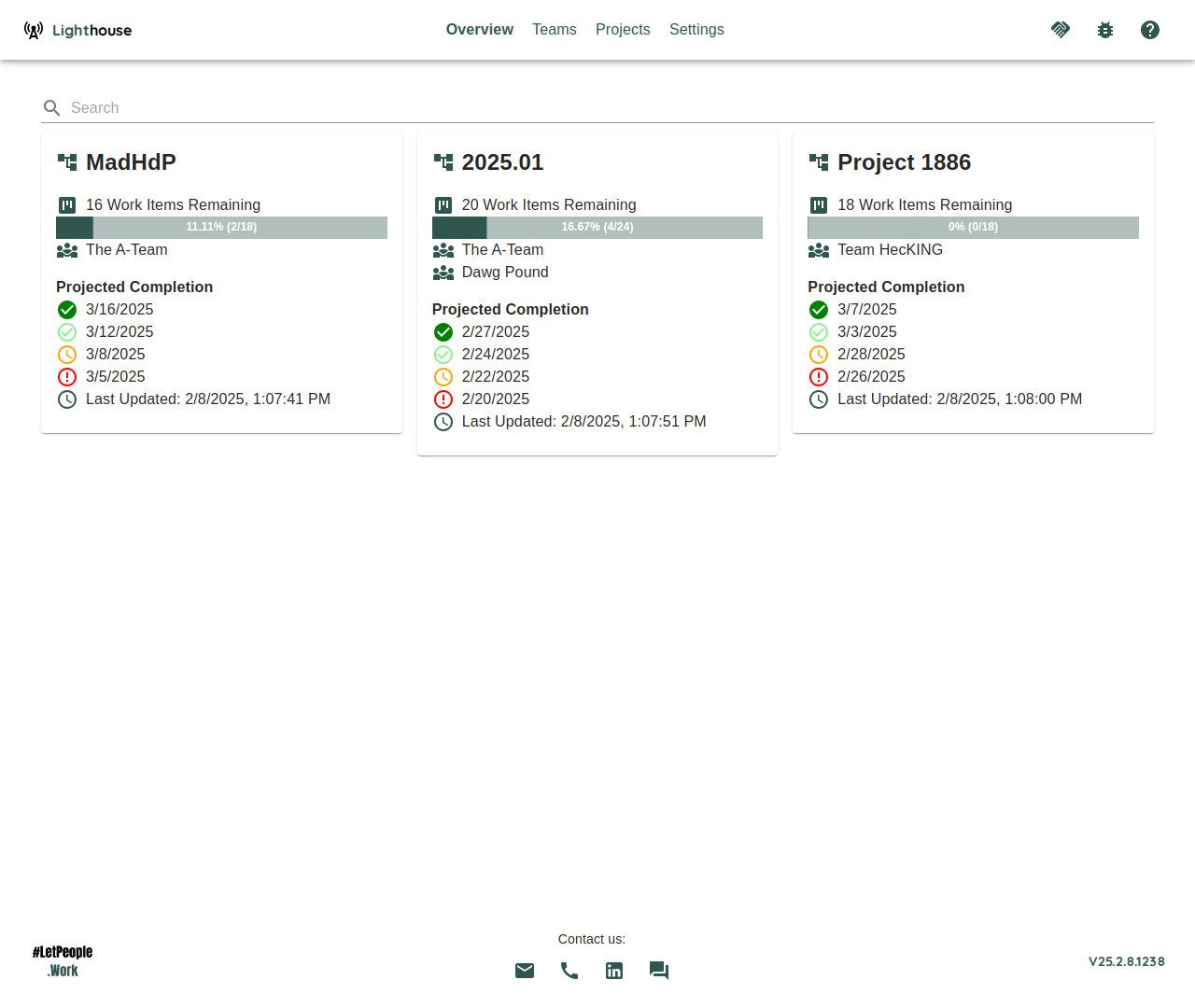
Gain an Overview
The overview, as the name suggests, shows you a rough overview over all the portfolios. You can see which portfolios are defined, and how many Features are defined as part of this portfolio.
The Deliveries and Reports columns show at most two entries each: a chip per Delivery, and each report by name. When a portfolio has more, a +N more link under them opens its Deliveries or Reports tab. While a cell is loading it shows a small spinner, and if its data cannot be loaded it says Couldn’t load Deliveries or Couldn’t load Reports rather than claiming there are none.
Create a new Portfolio
If you want to create a new portfolio, click on the Add New button on top. That will bring you to the Portfolio Creation Page.
Navigate to the Portfolio Details
If you want to see more details for a specific portfolio, either click on the ℹ️ icon on the right side of the portfolio or the portfolio name to navigate to the Portfolio Details.
Modify an existing Portfolio
If you want to modify the settings of an existing portfolio, click on the 🖊️ icon on the right side of the portfolio. This will bring you to the Portfolio Modification Page.
Delete a Portfolio
If you want to delete a portfolio, you can click on the 🗑️ icon on the right side of the portfolio. This will permantenly delete this portfolio.
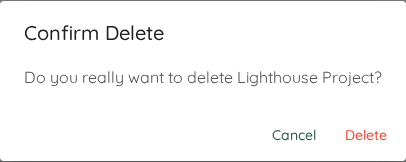
Deleting a portfolio will remove it from Lighthouse with no functionality to undo this change. This will not remove any of the involved teams in this portfolio though. The portfolio’s reports are deleted with it.
You can always add a portfolio again using the same queries. Deleting a portfolio has no effect at all on the data in your Work Tracking System.
Constraints in the Free Version
If you are using the free version, you are restricted to one Portfolio on a single Lighthouse instance.
If you have more than the allowed number, Lighthouse will prevent any updates to all portfolios until you are not above the maximum number.